
1. Group work by outcome
Create projects around a process or deliverable, such as Customer onboarding or Monthly operations. Avoid creating a project for every person; use assignees to identify responsibility.
2. Give each action one lead
Write a specific next action, choose one lead and set a realistic due date. Add collaborators when work is shared. A lead coordinates the action; collaborators do not remove that responsibility.
3. Agree what visibility means
In KAISEON, company members can view shared tasks. Projects and saved views organize that information, rather than restricting access. Keep work that needs confidential internal access in a system that supports that requirement.
4. Give each person a focused view
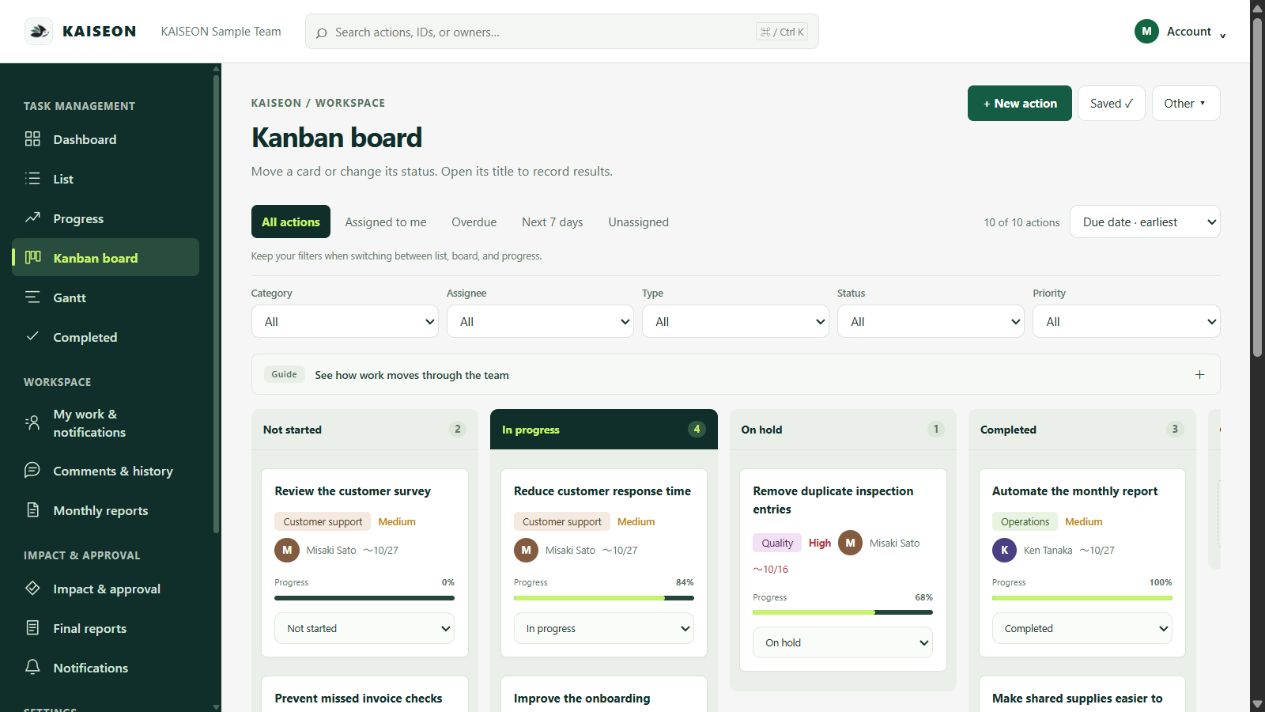
Open the list and filter by project and assignee. Save useful views. Use Kanban to review status, and Gantt to see planned dates. The project overview highlights open, overdue and unassigned actions; it does not estimate workload hours.
5. Review the exceptions
At a regular team check-in, begin with overdue, blocked and unassigned work. Agree an owner and next date for each exception. Reuse a completed task’s content for a new cycle, then check the fresh draft before saving.
Try it with one project
Invite a few teammates, create ten real tasks and agree an update rhythm. Check the CSV format before bringing in a large spreadsheet. Expand only after the team can find and update work without extra explanation.
Trial requires a payment method. Paid subscription starts after 30 days unless canceled.