
1. Define the problem and baseline
Describe one process and the measurement you want to improve. Record the current value, unit, measurement period and source. A useful starting point is a repeatable task, rather than a broad goal such as “be more productive.”
2. Choose a target and a small action
Set a target, owner and due date. Start with a change small enough to evaluate. Use the process-improvement starter as a draft, then replace its instructions with your actual situation.
3. Keep progress separate from impact
Update action status and progress as work advances. Record actual measurements separately. Do not count a task as a saving simply because it is marked complete.
4. Calculate with explicit assumptions
Example only: a recurring task falls from 20 to 15 minutes, measured under comparable conditions. At 20 occurrences a month, that is 100 minutes saved per month. Monetary estimates need an agreed rate; they are not automatically a reduction in cash spending.
5. Review the evidence
Attach a reference link and explain the measurement. Use impact submission and approval for reviewed results. An administrator cannot approve their own submission; arrange a second administrator if that workflow is required.
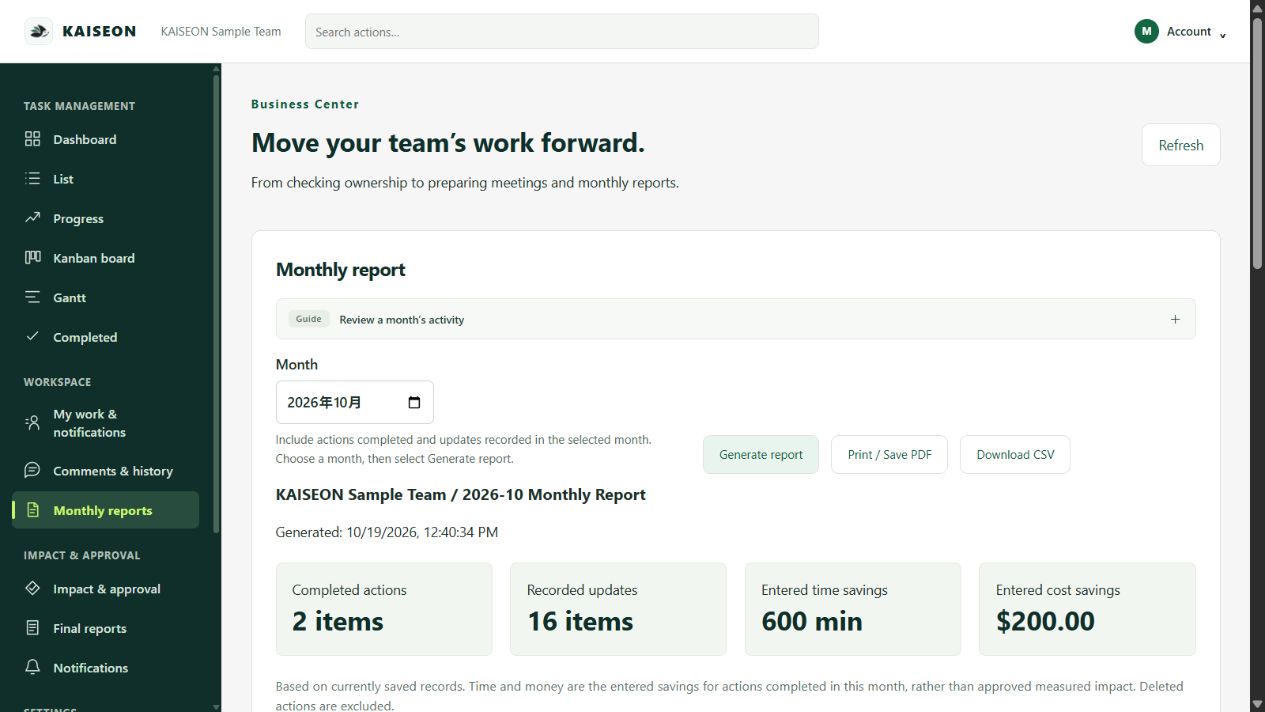
6. Make the monthly review repeatable
Review approved results and unfinished work together, then keep a monthly record. Export CSV or print to PDF. Note what is still unmeasured, agree next actions and avoid counting the same benefit twice.
Trial requires a payment method. Paid subscription starts after 30 days unless canceled.